• 跳至主要導覽
  • 跳至主要內容
  • 跳至主要資訊欄
  • 跳至頁尾

各種 WordPress 目的性測試

專供各種測試使用

  • Home
  • About Us
  • Contact Us
  • Block Content Examples
  • Landing Page
  • 不需密碼直接登入

image

Block: Image

2018 年 11 月 3 日 作者: Theme Reviewer 發佈留言

Welcome to image alignment! If you recognize this post, it is because these are blocks that have been converted from the classic Markup: Image Alignment post. The best way to demonstrate the ebb and flow of the various image positioning options is to nestle them snuggly among an ocean of words. Grab a paddle and let’s get started. Be sure to try it in RTL mode. Left should stay left and right should stay right for both reading directions.

On the topic of alignment, it should be noted that users can choose from the options of None, Left, Right, and Center. If the theme has added support for align wide, images can also be wide and full width. Be sure to test this page in RTL mode.

In addition, they also get the options of the image dimensions 25%, 50%, 75%, 100% or a set width and height.

Image Alignment 580x300

The image above happens to be centered.
Image Alignment 150x150

The rest of this paragraph is filler for the sake of seeing the text wrap around the 150×150 image, which is left aligned.

As you can see the should be some space above, below, and to the right of the image. The text should not be creeping on the image. Creeping is just not right. Images need breathing room too. Let them speak like you words. Let them do their jobs without any hassle from the text. In about one more sentence here, we’ll see that the text moves from the right of the image down below the image in seamless transition. Again, letting the do it’s thang. Mission accomplished!

And now for a massively large image. It also has no alignment.
Image Alignment 1200x400

The image above, though 1200px wide, should not overflow the content area. It should remain contained with no visible disruption to the flow of content.
Image Alignment 300x200

And now we’re going to shift things to the right align. Again, there should be plenty of room above, below, and to the left of the image. Just look at him there… Hey guy! Way to rock that right side. I don’t care what the left aligned image says, you look great. Don’t let anyone else tell you differently.

In just a bit here, you should see the text start to wrap below the right aligned image and settle in nicely. There should still be plenty of room and everything should be sitting pretty. Yeah… Just like that. It never felt so good to be right.

And just when you thought we were done, we’re going to do them all over again with captions!

Image Alignment 580x300
Look at 580×300 getting some caption love.

The image above happens to be centered. The caption also has a link in it, just to see if it does anything funky.

Image Alignment 150x150
Itty-bitty caption.

The rest of this paragraph is filler for the sake of seeing the text wrap around the 150×150 image, which is left aligned.

As you can see the should be some space above, below, and to the right of the image. The text should not be creeping on the image. Creeping is just not right. Images need breathing room too. Let them speak like you words. Let them do their jobs without any hassle from the text. In about one more sentence here, we’ll see that the text moves from the right of the image down below the image in seamless transition. Again, letting the do it’s thang. Mission accomplished!

And now for a massively large image. It also has no alignment.

Image Alignment 1200x400
Massive image comment for your eyeballs.

The image above, though 1200px wide, should not overflow the content area. It should remain contained with no visible disruption to the flow of content.

Image Alignment 300x200
Feels good to be right all the time.

And now we’re going to shift things to the right align. Again, there should be plenty of room above, below, and to the left of the image. Just look at him there… Hey guy! Way to rock that right side. I don’t care what the left aligned image says, you look great. Don’t let anyone else tell you differently.

In just a bit here, you should see the text start to wrap below the right aligned image and settle in nicely. There should still be plenty of room and everything should be sitting pretty. Yeah… Just like that. It never felt so good to be right.

Imagine that we would find a use for the extra wide image! This image has the wide width alignment:

Image Alignment 1200x4002

Can we go bigger? This image has the full width alignment:

Image Alignment 1200x4002

And that’s a wrap, yo! You survived the tumultuous waters of alignment. Image alignment achievement unlocked! One last thing: The last item in this post’s content is a thumbnail floated right. Make sure any elements after the content are clearing properly.
分類: Block 標籤: content περιεχόμενο, image

Block: Cover

2018 年 11 月 3 日 作者: Theme Reviewer 發佈留言

This is a left aligned cover block with a background image.

The cover block lets you add text on top of images or videos.

This blocktype has several alignment options, and you can also align or center the text inside the block.

The background image can be fixed and you can change its opacity and add an overlay color.

Make sure that the text wraps correctly over the image, and that text markup and alignments are working.

The next image should have a pink overlay color, the text should be bold and aligned to the left:

A center aligned cover image block, with a left aligned text.

This is a full width cover block with a fixed background image with a 20% opacity.

Make sure that all the text is readable.

Our last cover image block has a wide width.

This is a wide cover block with a video background.

Compare the video and image blocks.
This block is centered.

The block below has no alignment, and the text is a link. Overlay colors must also work with video backgrounds.

This page needed more pink.

分類: Block 標籤: image

Block: Gallery

2018 年 11 月 3 日 作者: Theme Reviewer 發佈留言

Gallery blocks have two settings: the number of columns, and whether or not images should be cropped. The default number of columns is three, and the maximum number of columns is eight.

Below is a three column gallery at full width, with cropped images.

canola
Lorem ipsum dolor sit amet, consectetuer adipiscing elit. Donec mollis. Quisque convallis libero in sapien pharetra tincidunt. Aliquam elit ante, malesuada id, tempor eu, gravida id, odio. Maecenas suscipit, risus et eleifend imperdiet, nisi orci ullamcorper massa, et adipiscing orci velit quis magna.
Sunburst Over River
Sunburst over the Clinch River, Southwest Virginia.
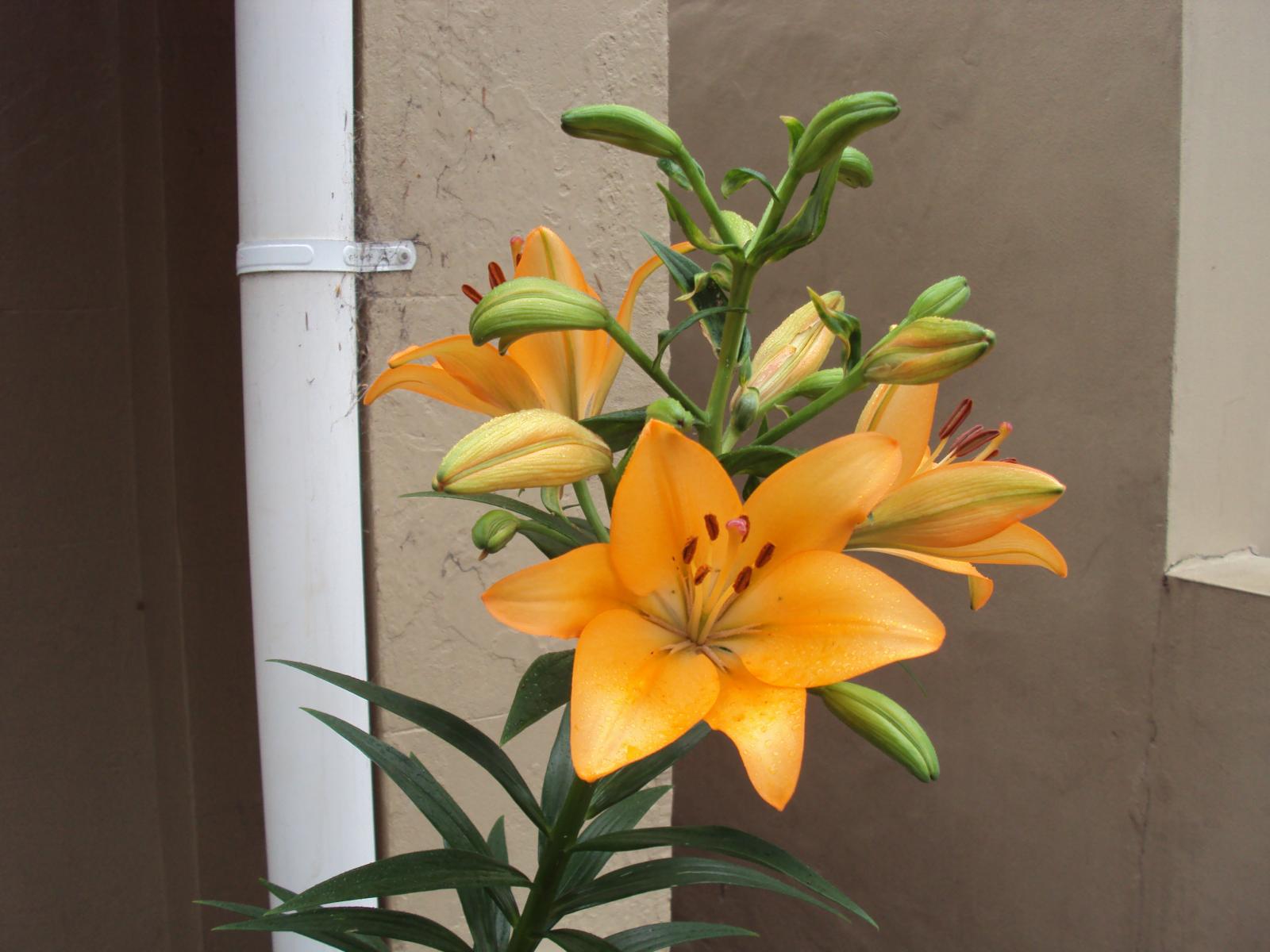
Orange Iris
Orange Iris
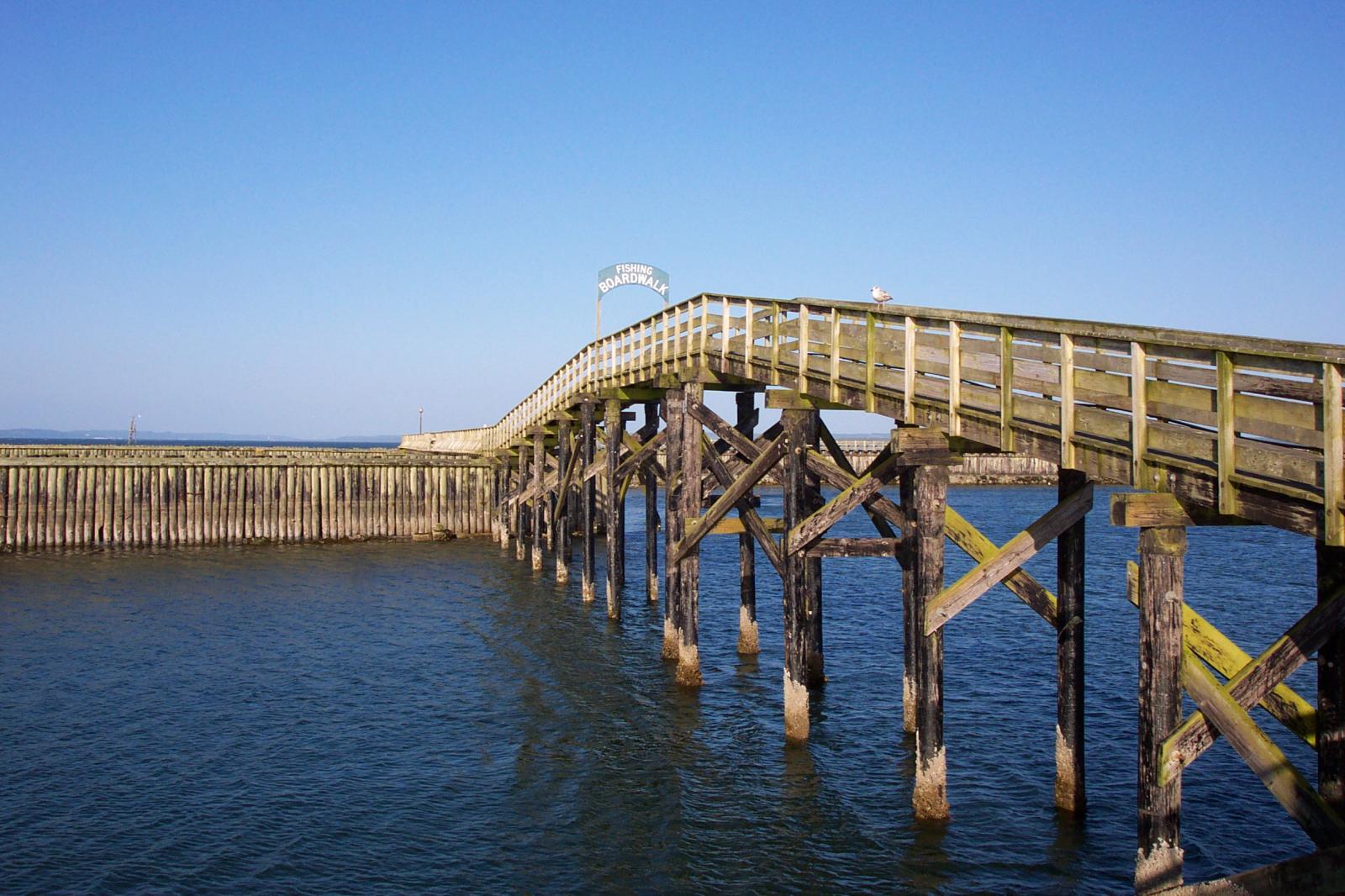
Boardwalk
Boardwalk at Westport, WA
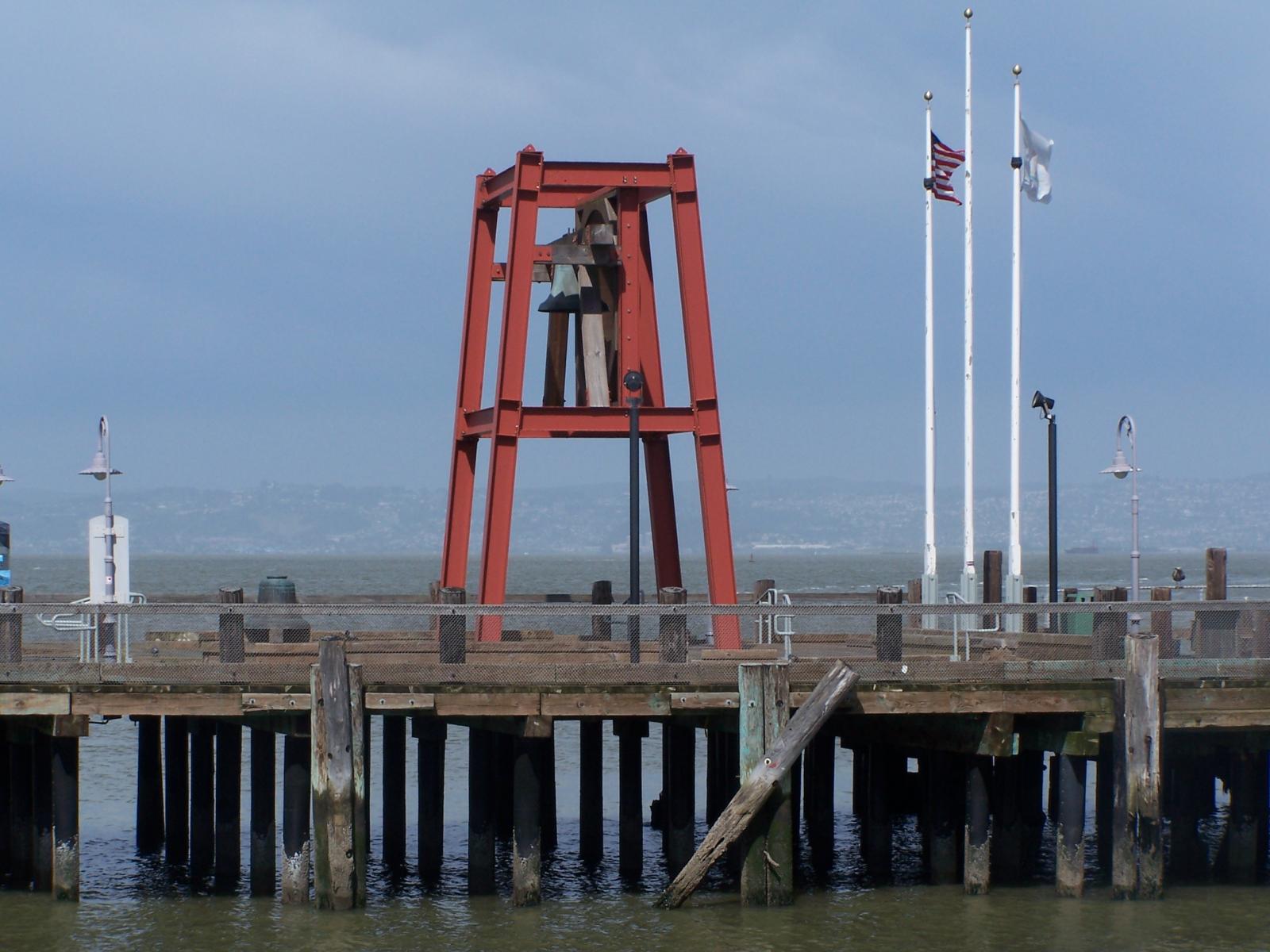
Bell on Wharf
Bell on wharf in San Francisco
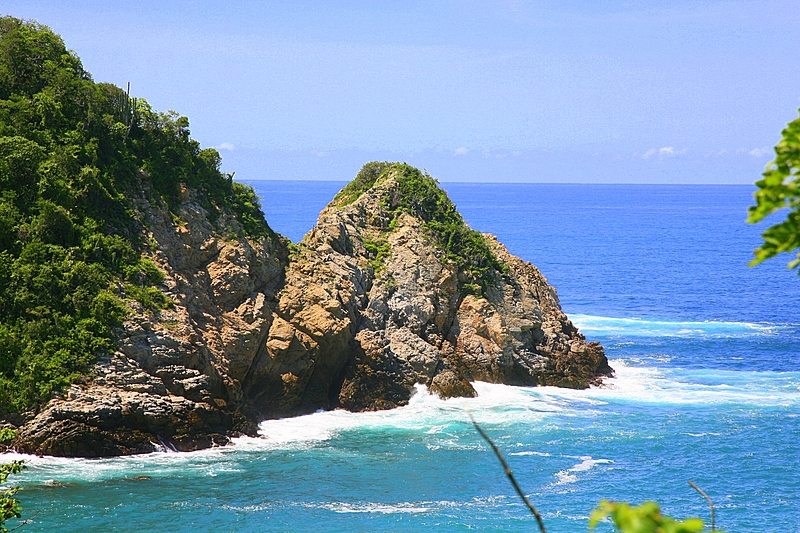
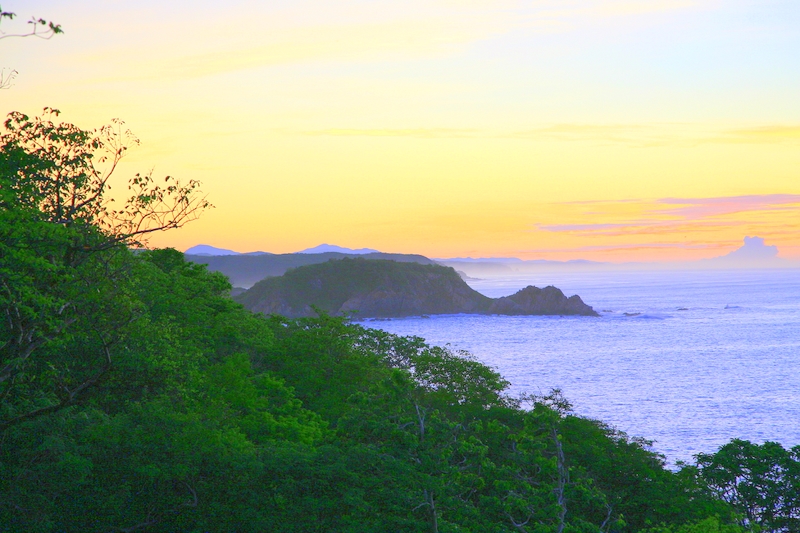
Huatulco Coastline
Coastline in Huatulco, Oaxaca, Mexico
(gallery caption) 3 column, full width, cropped, linked to attachment pages
Unicorn Wallpaper
Boat Barco Texture
Boat BW PB Barco Texture Beautiful Fishing

Some more text for taking up space.

A two column gallery, aligned to the left, linked to media file.

In the editor, the image captions can be edited directly by clicking on the text.

If the number of images cannot be divided into the number of columns you have selected, the default is to have the last image(s) automatically stretch to the width of your gallery.

A four column gallery with a wide width:

Huatulco Coastline
Sunrise over the coast in Huatulco, Oaxaca, Mexico
canola
Lorem ipsum dolor sit amet, consectetuer adipiscing elit. Donec mollis. Quisque convallis libero in sapien pharetra tincidunt. Aliquam elit ante, malesuada id, tempor eu, gravida id, odio. Maecenas suscipit, risus et eleifend imperdiet, nisi orci ullamcorper massa, et adipiscing orci velit quis magna.
dsc20050813_115856_52
dsc20050727_091048_222

A five column gallery with normal images:

Horizontal Featured Image
Image Alignment 300x200
Image Alignment 150x150
Image Alignment 580x300
Horizontal Featured Image
Image Alignment 1200x4002
Unicorn Wallpaper

This is the same gallery, but with cropped images.

Horizontal Featured Image
Image Alignment 300x200
Image Alignment 150x150
Image Alignment 580x300
Horizontal Featured Image
Image Alignment 1200x4002
Unicorn Wallpaper

Six columns: does it work at all window sizes?

Boardwalk
Boardwalk at Westport, WA
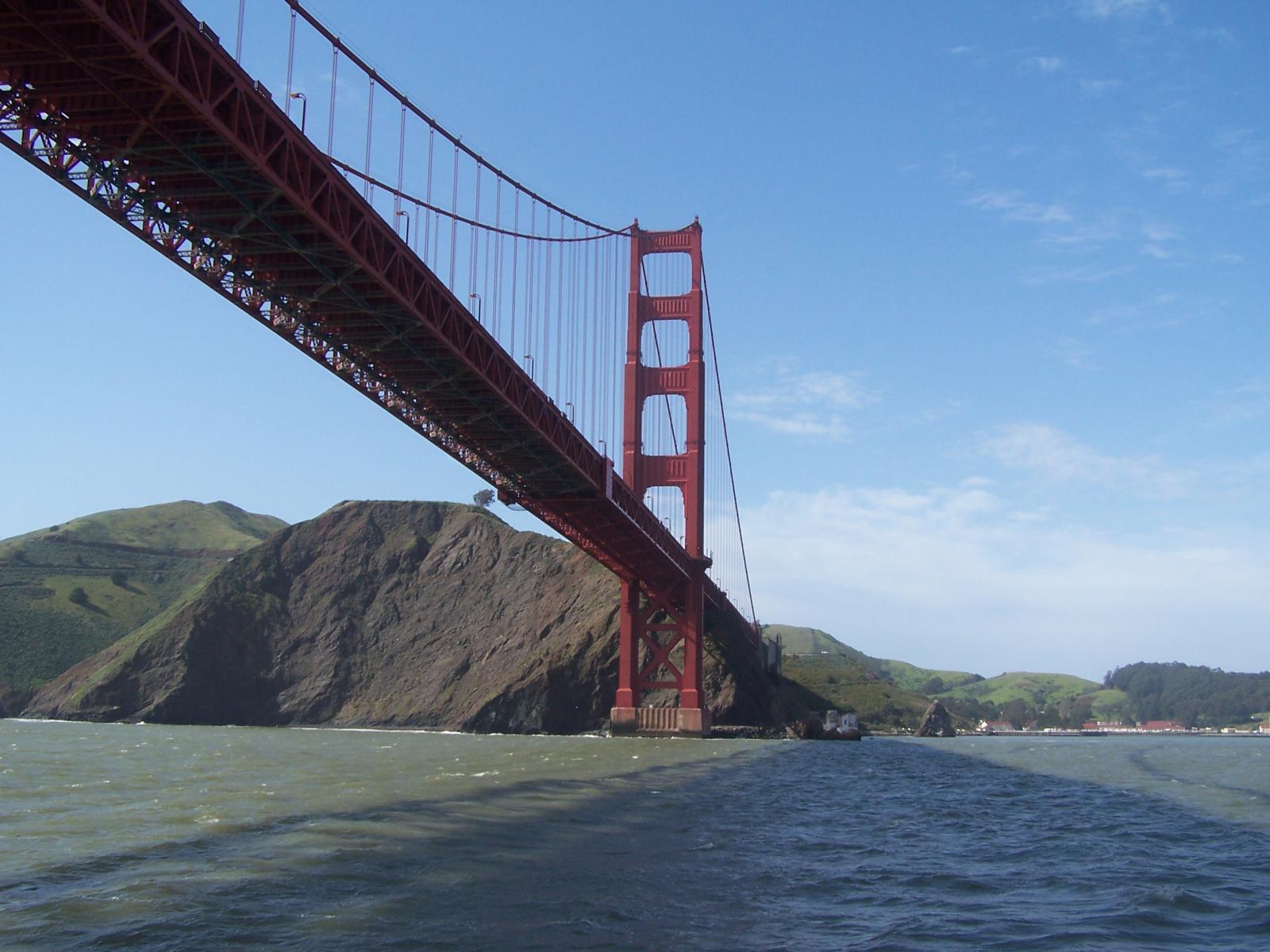
Golden Gate Bridge
Golden Gate Bridge
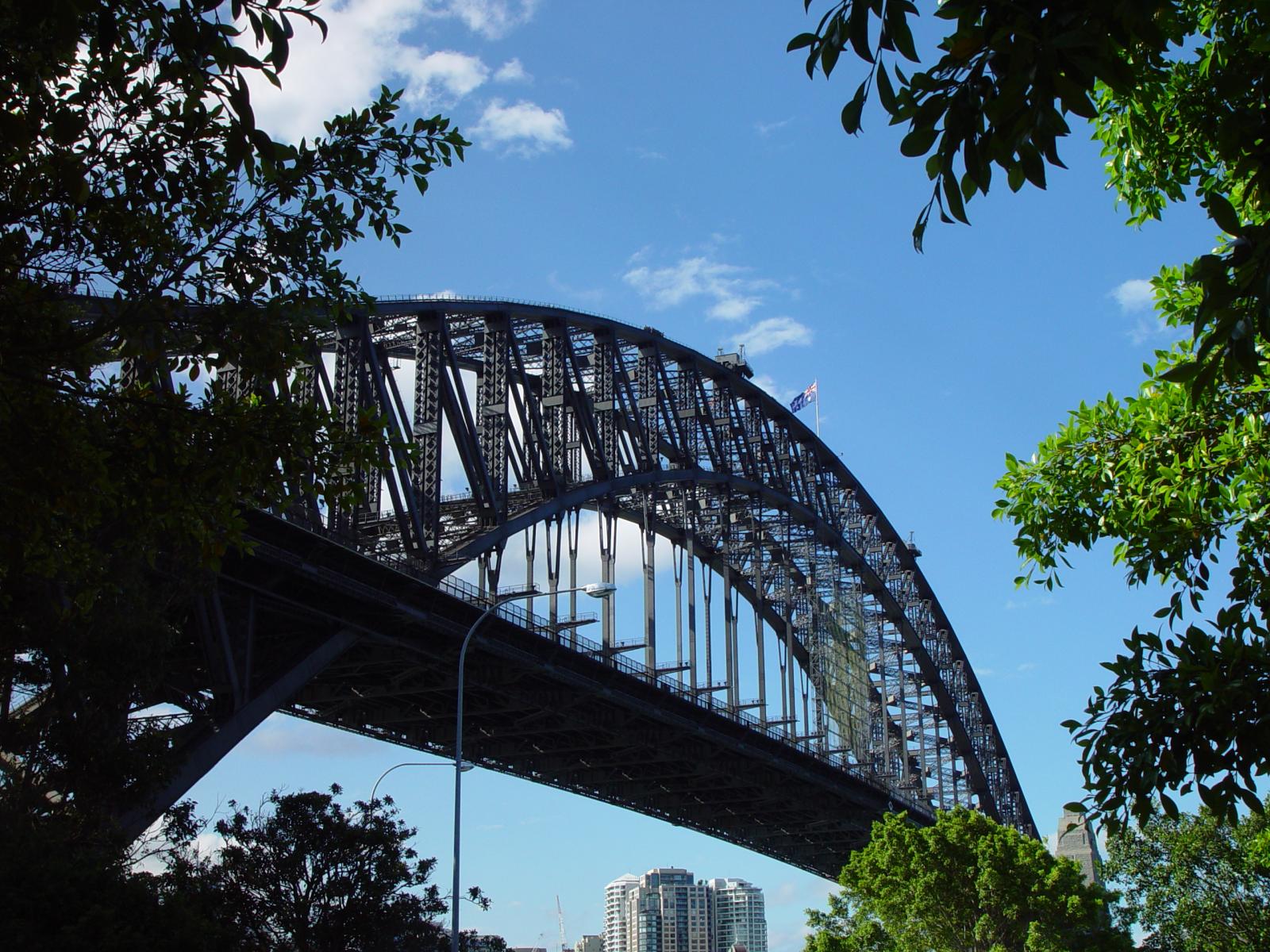
Sydney Harbor Bridge
Bell on Wharf
Bell on wharf in San Francisco
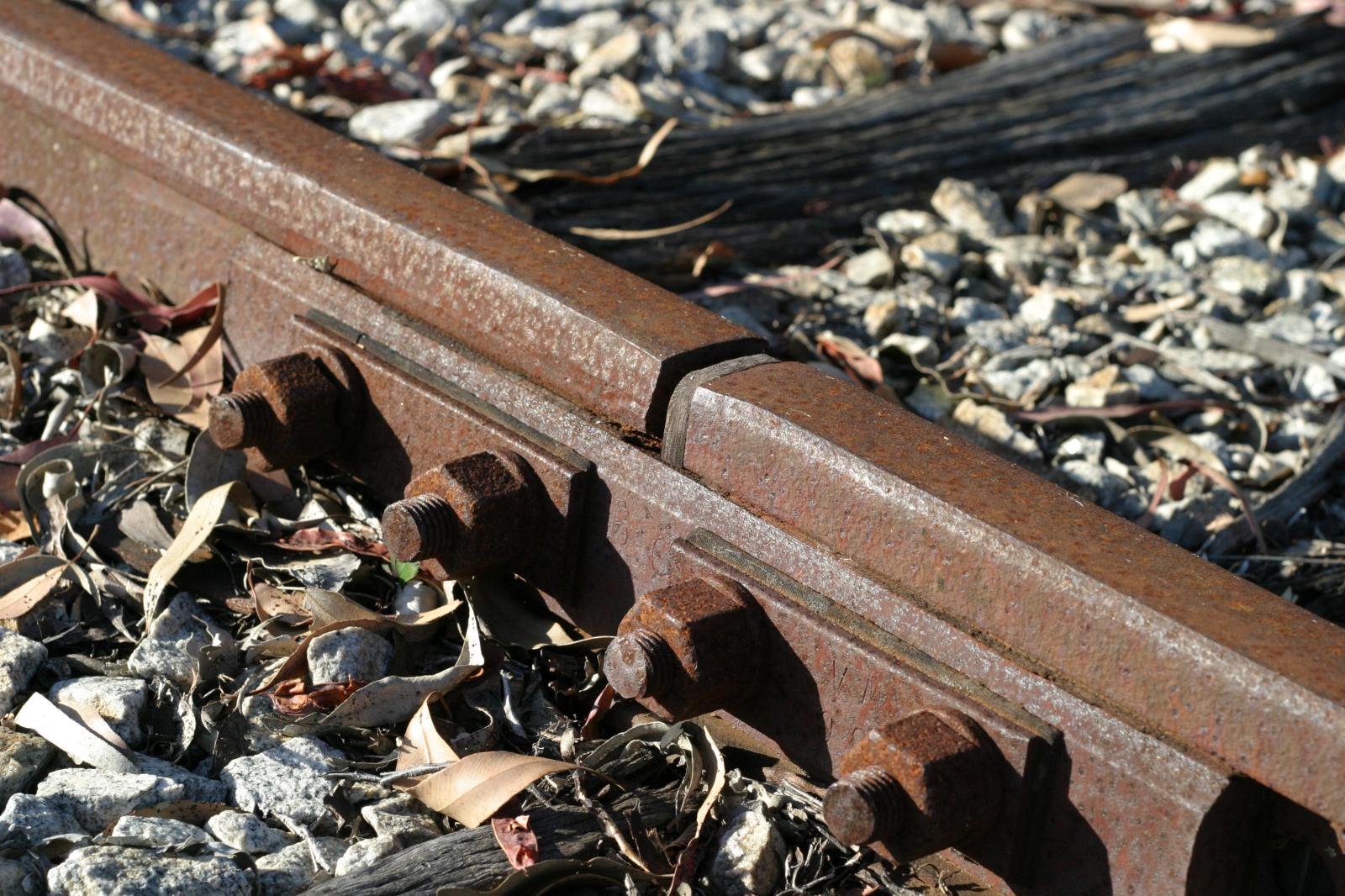
Rusty Rail
Rusty rails with fishplate, Kojonup
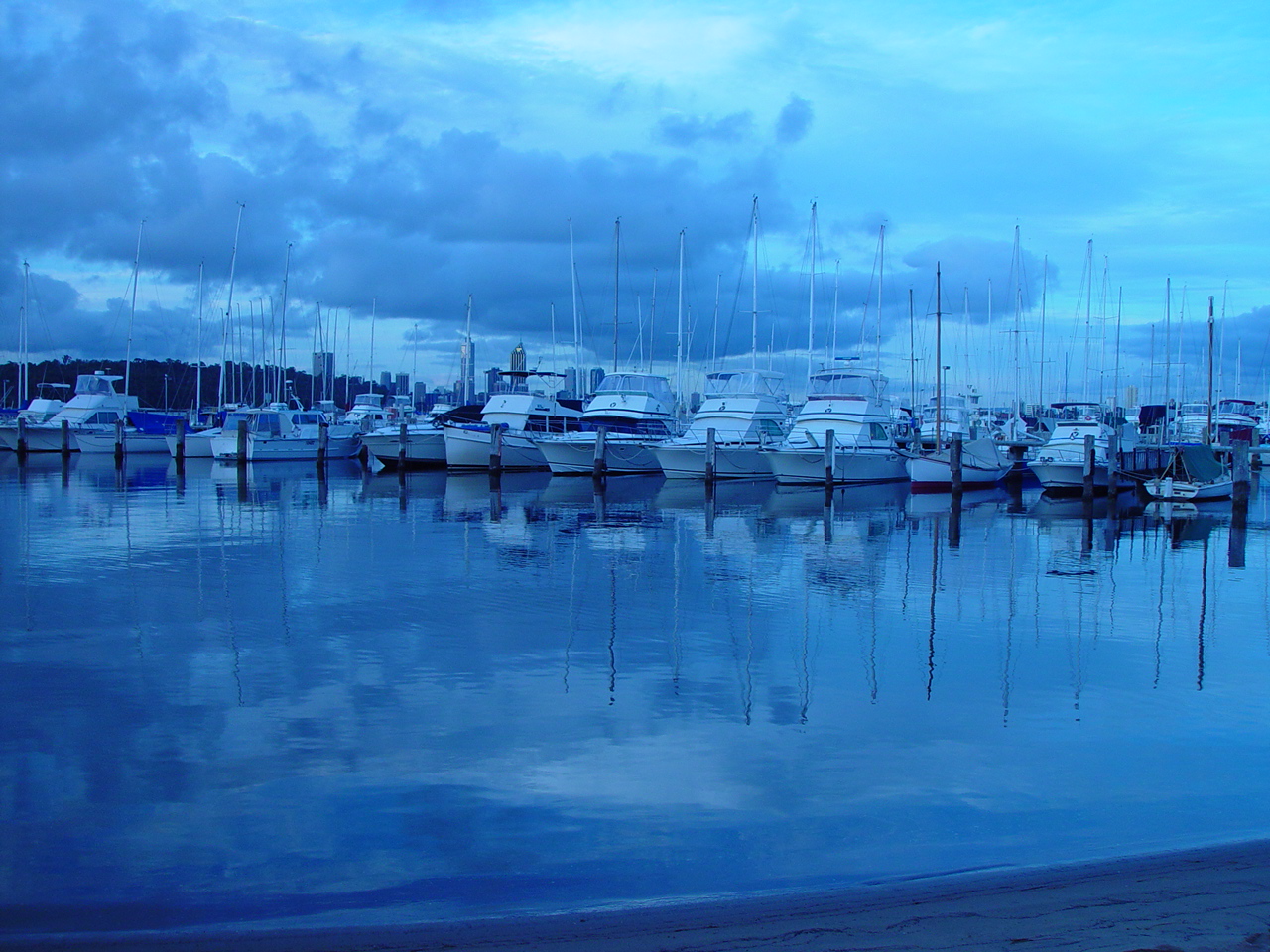
Yachtsody in Blue
Boats and reflections, Royal Perth Yacht Club
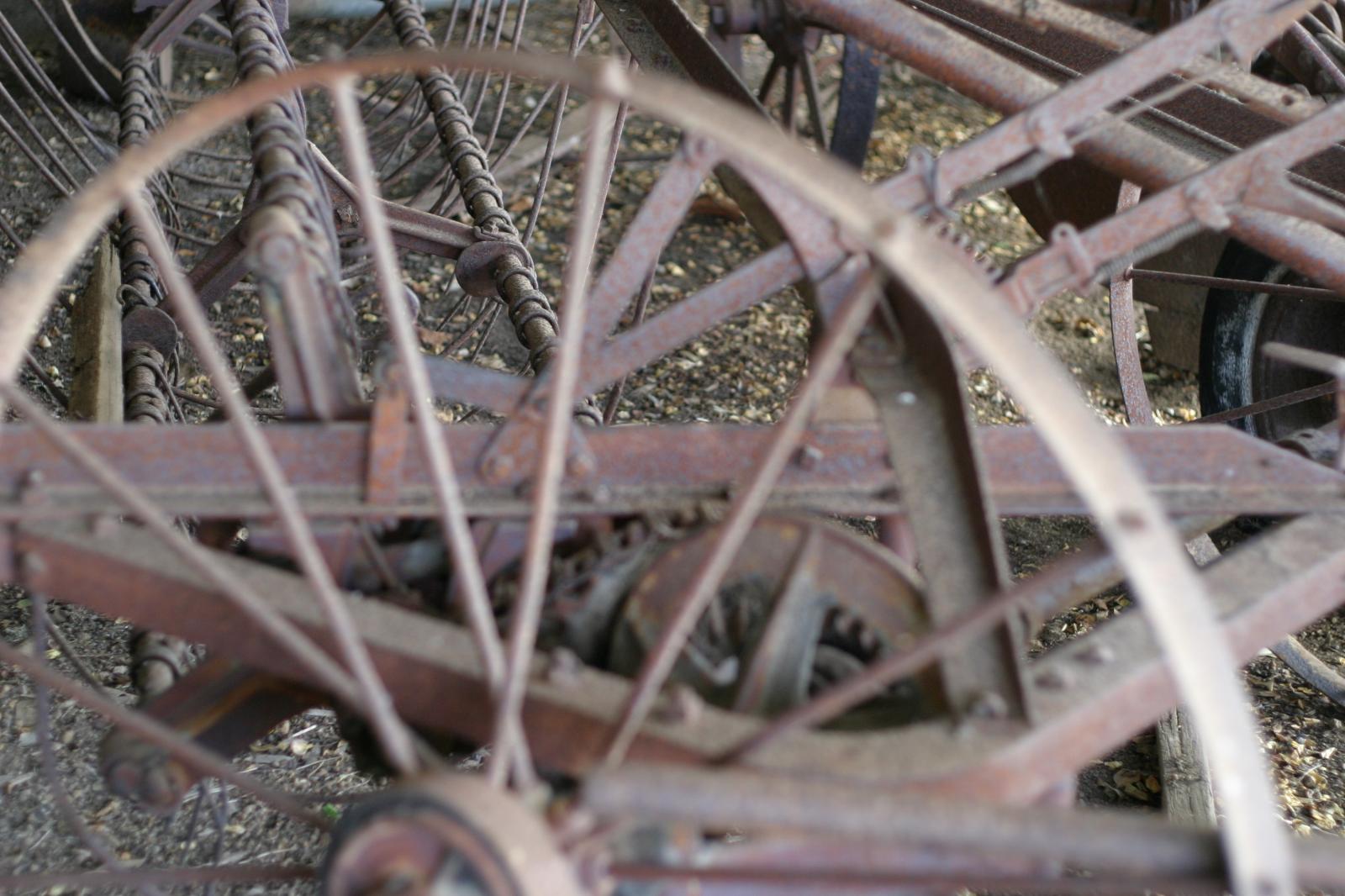
Antique Farm Machinery
Antique farm machinery, Mount Barker Museum, Western Australia
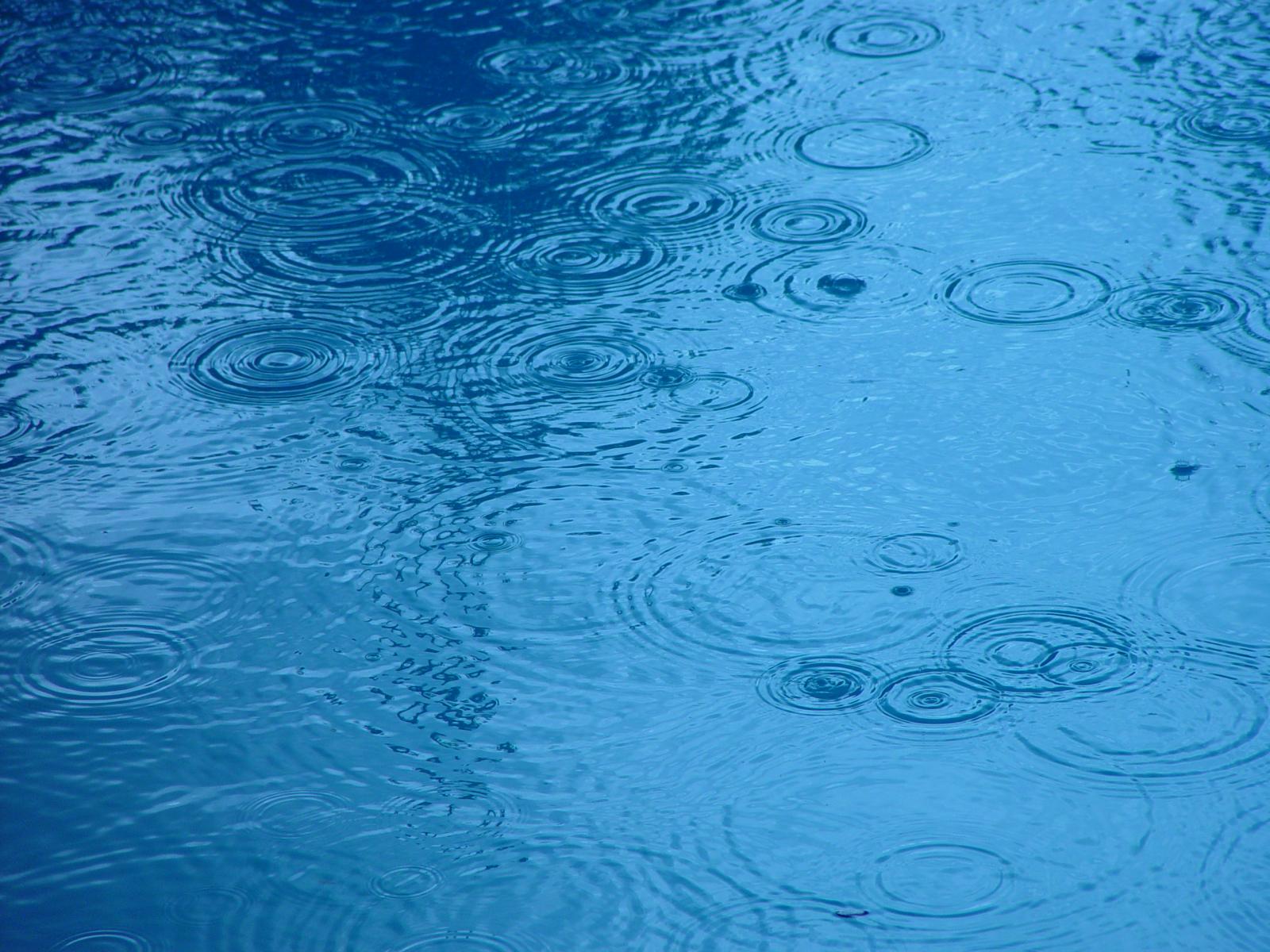
Rain Ripples
Raindrop ripples on a pond
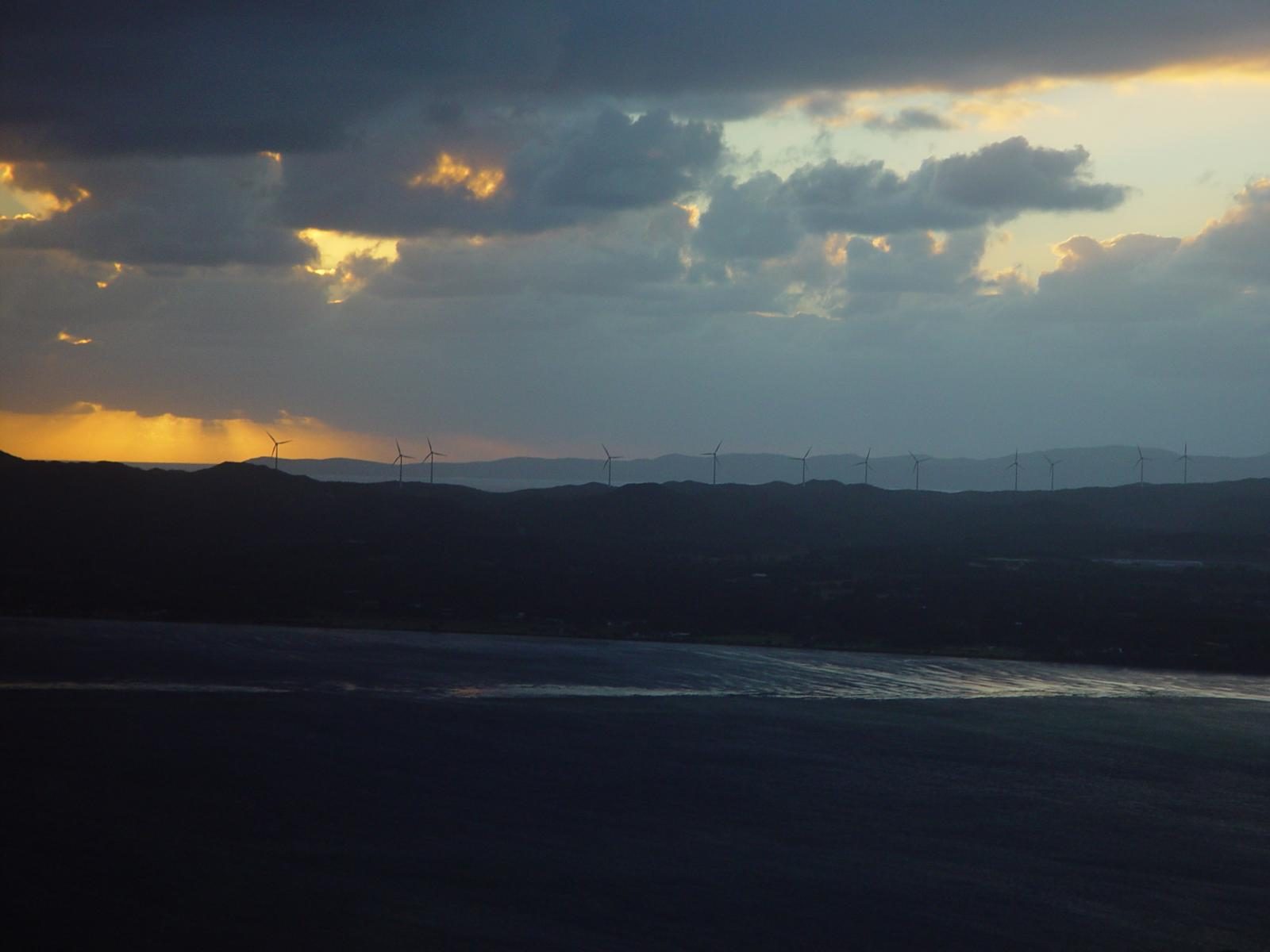
Wind Farm
Albany wind-farm against the sunset, Western Australia
canola
Lorem ipsum dolor sit amet, consectetuer adipiscing elit. Donec mollis. Quisque convallis libero in sapien pharetra tincidunt. Aliquam elit ante, malesuada id, tempor eu, gravida id, odio. Maecenas suscipit, risus et eleifend imperdiet, nisi orci ullamcorper massa, et adipiscing orci velit quis magna.
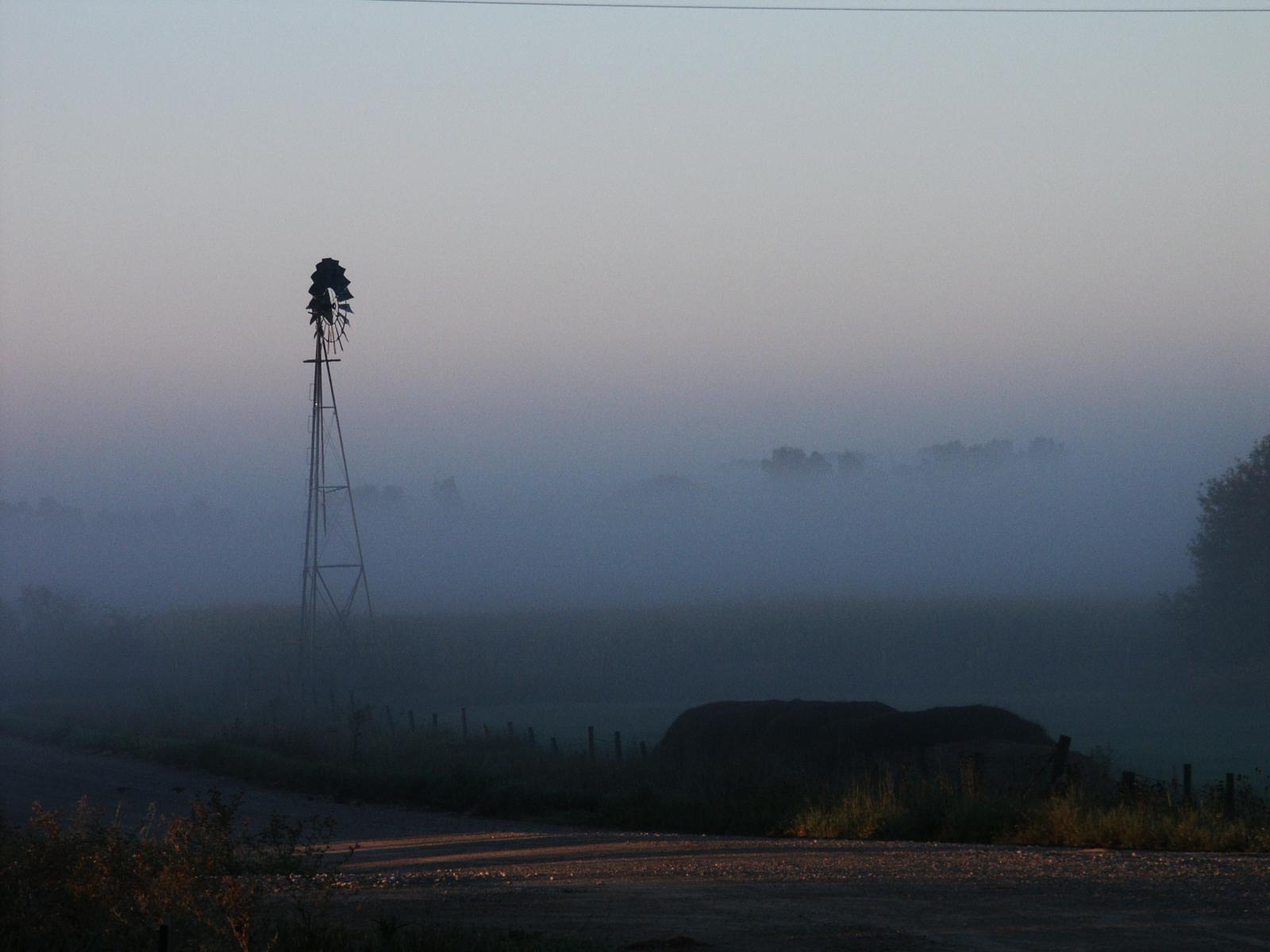
Windmill
Windmill shrouded in fog at a farm outside of Walker, Iowa
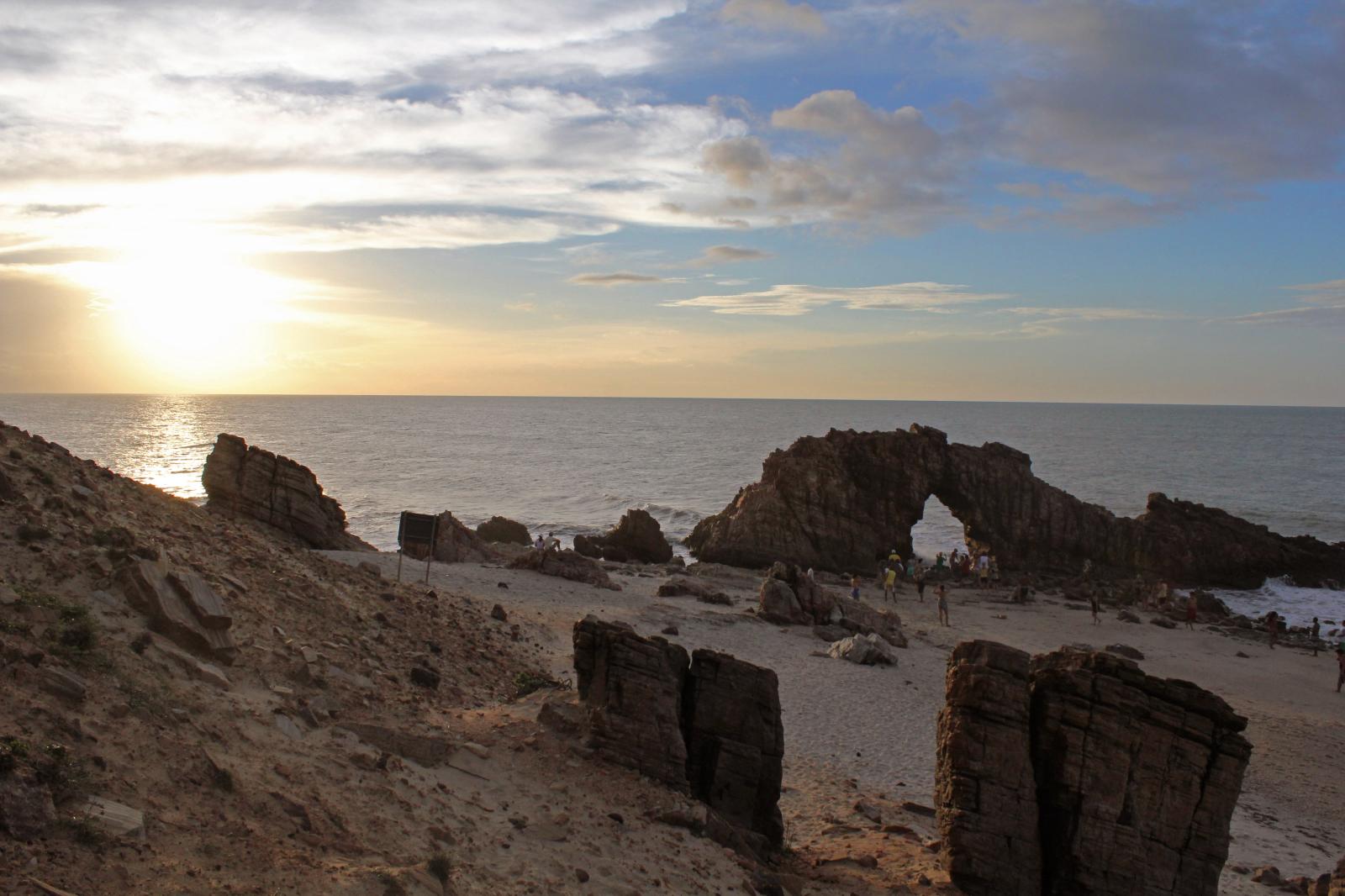
Brazil Beach
Jericoacoara Ceara Brasil
Huatulco Coastline
Sunrise over the coast in Huatulco, Oaxaca, Mexico

Seven columns: how does this look on a narrow window?

It’s dangerous to go alone! Take this.
Unicorn Wallpaper
Boat Barco Texture
Boat BW PB Barco Texture Beautiful Fishing
Huatulco Coastline
Coastline in Huatulco, Oaxaca, Mexico
Brazil Beach
Jericoacoara Ceara Brasil
Huatulco Coastline
Sunrise over the coast in Huatulco, Oaxaca, Mexico
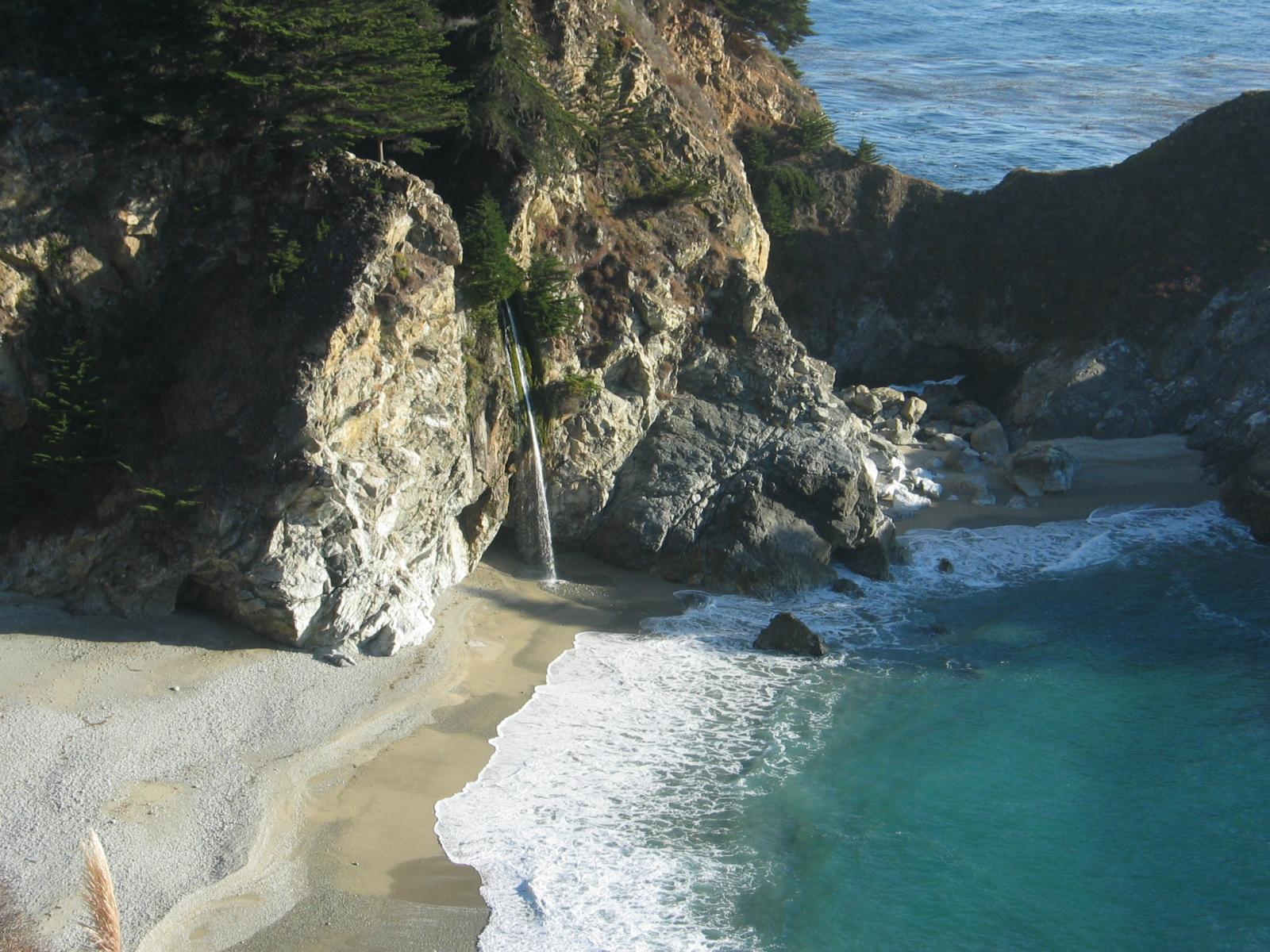
Big Sur
Beach at Big Sur, CA
Windmill
Windmill shrouded in fog at a farm outside of Walker, Iowa
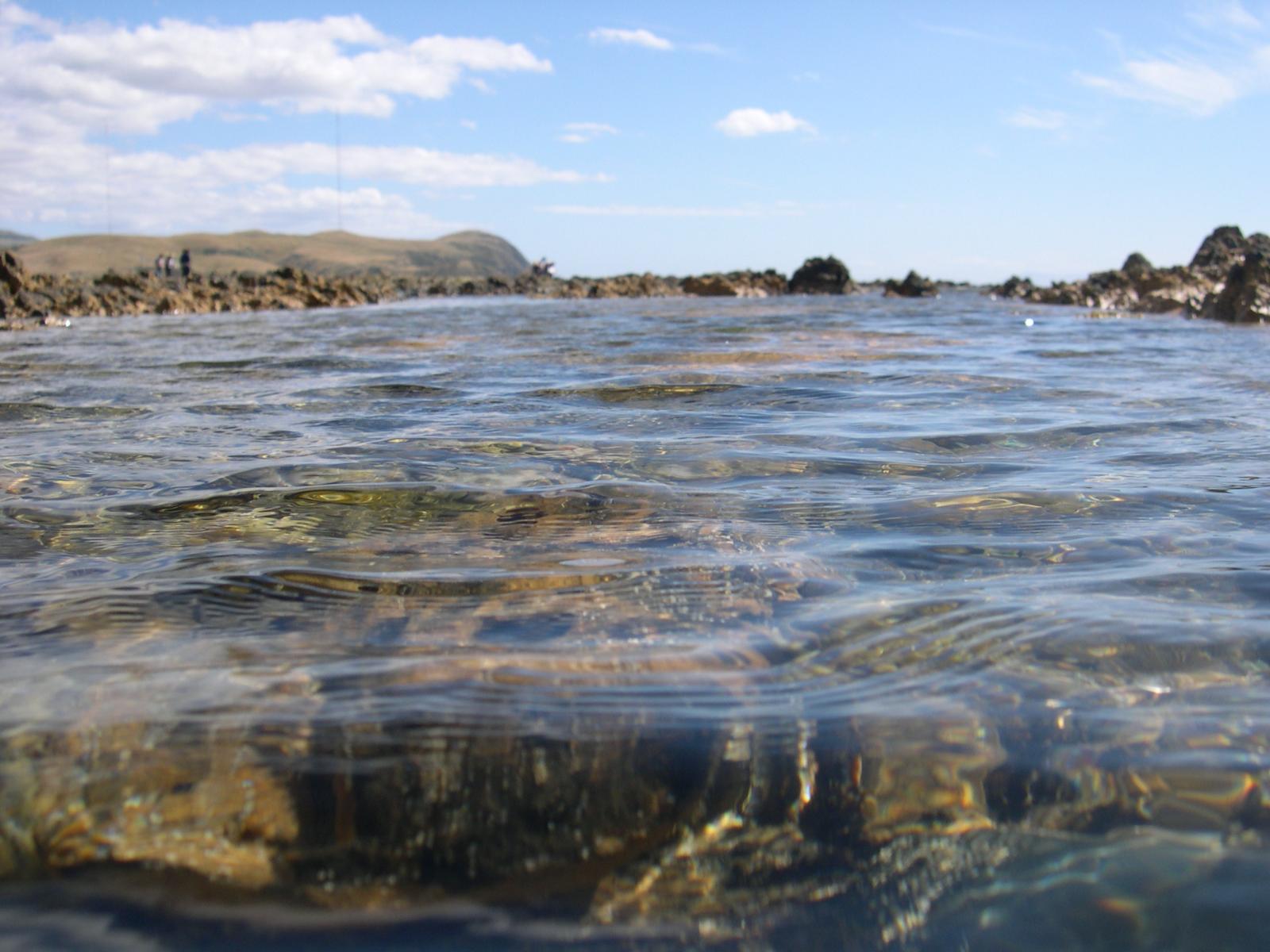
Sea and Rocks
Sea and rocks, Plimmerton, New Zealand
Rusty Rail
Rusty rails with fishplate, Kojonup
images linked to media file – do captions obscure links?

Eight columns:

canola
Lorem ipsum dolor sit amet, consectetuer adipiscing elit. Donec mollis. Quisque convallis libero in sapien pharetra tincidunt. Aliquam elit ante, malesuada id, tempor eu, gravida id, odio. Maecenas suscipit, risus et eleifend imperdiet, nisi orci ullamcorper massa, et adipiscing orci velit quis magna.
Boardwalk
Boardwalk at Westport, WA
Golden Gate Bridge
Golden Gate Bridge
Antique Farm Machinery
Antique farm machinery, Mount Barker Museum, Western Australia
Orange Iris
Orange Iris
Wind Farm
Albany wind-farm against the sunset, Western Australia
Bell on Wharf
Bell on wharf in San Francisco
Sydney Harbor Bridge
dsc20050813_115856_52
Rain Ripples
Raindrop ripples on a pond
Unicorn Wallpaper
Boat Barco Texture
Boat BW PB Barco Texture Beautiful Fishing
Yachtsody in Blue
Boats and reflections, Royal Perth Yacht Club
Rusty Rail
Rusty rails with fishplate, Kojonup
Sea and Rocks
Sea and rocks, Plimmerton, New Zealand
Huatulco Coastline
Coastline in Huatulco, Oaxaca, Mexico
images are linked, do the links work?

分類: Block 標籤: Columns, content περιεχόμενο, gallery, image

Block category: Common

2018 年 11 月 1 日 作者: Theme Reviewer 發佈留言

The Common category includes the following blocks: Paragraph, image, headings, list, gallery, quote, audio, cover, video.

The paragraph block is the default block type.  It should not have any alignment of any kind. It should just flow like you would normally expect. Nothing fancy. Just straight up text, free flowing, with love.

This paragraph is left aligned.

This italic paragraph is right aligned.

Neither of these paragraphs care about politics, but this one is bold, medium sized and has a drop cap.

This paragraph is centered.

This paragraph prefers Jazz over Justin Timberlake. It also uses the small font size.

This paragraph has something important to say:  It has a large font size, which defaults to 36px.

The huge text size defaults to 46px, but the size can be customized.

This paragraph is colorful, with a red background and white text (maybe). Colored blocks should have a high enough contrast, so that the text is readable.

Below this block, you will see a single image with a circle mask applied.

Image Alignment 150x150

H1 Heading

H2 Heading

H3 Heading

H4 Heading

H5 Heading
H6 Heading

Ordered list

  1. The software should be licensed under the GNU Public License.
  2. The software should be freely available to anyone to use for any purpose, and without permission.
  3. The software should be open to modifications.
    1. Any modifications should be freely distributable at no cost and without permission from its creators.
  4. The software should provide a framework for translation to make it globally accessible to speakers of all languages.
  5. The software should provide a framework for extensions so modifications and enhancements can be made without modifying core code

Unordered list

  • One
  • Two
  • Three
    • Four
  • Five
  • Brazil Beach
    Jericoacoara Ceara Brasil
  • Huatulco Coastline
    Sunrise over the coast in Huatulco, Oaxaca, Mexico
  • Windmill
    Windmill shrouded in fog at a farm outside of Walker, Iowa
  • Huatulco Coastline
    Coastline in Huatulco, Oaxaca, Mexico
  • Big Sur
    Beach at Big Sur, CA
images are not linked

Quote

Cite

Cover block with background image

The file block has a setting that lets us show or hide a download button with editable text:

File Block PDFDownload
File Block PDF

Video blocks have settings for showing and hiding the playback controls. Use autoplay and playback controls responsibly.

This is a video block caption.

The video block below is muted and has a poster image that displays before the video starts:

分類: Block 標籤: content περιεχόμενο, embeds, gallery, image, video

Markup: Image Alignment

2013 年 1 月 10 日 作者: Theme Buster

Welcome to image alignment! The best way to demonstrate the ebb and flow of the various image positioning options is to nestle them snuggly among an ocean of words. Grab a paddle and let’s get started.

On the topic of alignment, it should be noted that users can choose from the options of None, Left, Right, and Center. In addition, they also get the options of Thumbnail, Medium, Large & Fullsize. Be sure to try this page in RTL mode and it should look the same as LTR.

Image Alignment 580x300

The image above happens to be centered.

Image Alignment 150x150 The rest of this paragraph is filler for the sake of seeing the text wrap around the 150×150 image, which is left aligned.

As you can see the should be some space above, below, and to the right of the image. The text should not be creeping on the image. Creeping is just not right. Images need breathing room too. Let them speak like you words. Let them do their jobs without any hassle from the text. In about one more sentence here, we’ll see that the text moves from the right of the image down below the image in seamless transition. Again, letting the do it’s thang. Mission accomplished!

And now for a massively large image. It also has no alignment.

Image Alignment 1200x400

The image above, though 1200px wide, should not overflow the content area. It should remain contained with no visible disruption to the flow of content.

Image Alignment 1200x400

And we try the large image again, with the center alignment since that sometimes is a problem. The image above, though 1200px wide, should not overflow the content area. It should remain contained with no visible disruption to the flow of content.

Image Alignment 300x200

And now we’re going to shift things to the right align. Again, there should be plenty of room above, below, and to the left of the image. Just look at him there… Hey guy! Way to rock that right side. I don’t care what the left aligned image says, you look great. Don’t let anyone else tell you differently.

In just a bit here, you should see the text start to wrap below the right aligned image and settle in nicely. There should still be plenty of room and everything should be sitting pretty. Yeah… Just like that. It never felt so good to be right.

And just when you thought we were done, we’re going to do them all over again with captions!

Image Alignment 580x300
Look at 580×300 getting some caption love.

The image above happens to be centered. The caption also has a link in it, just to see if it does anything funky.

Image Alignment 150x150
Bigger caption than the image usually is.

The rest of this paragraph is filler for the sake of seeing the text wrap around the 150×150 image, which is left aligned.

As you can see the should be some space above, below, and to the right of the image. The text should not be creeping on the image. Creeping is just not right. Images need breathing room too. Let them speak like you words. Let them do their jobs without any hassle from the text. In about one more sentence here, we’ll see that the text moves from the right of the image down below the image in seamless transition. Again, letting the do it’s thang. Mission accomplished!

And now for a massively large image. It also has no alignment.

Image Alignment 1200x400
Comment for massive image for your eyeballs.

The image above, though 1200px wide, should not overflow the content area. It should remain contained with no visible disruption to the flow of content.

Image Alignment 1200x400
This massive image is centered.

And again with the big image centered. The image above, though 1200px wide, should not overflow the content area. It should remain contained with no visible disruption to the flow of content.

Image Alignment 300x200
Feels good to be right all the time.

And now we’re going to shift things to the right align. Again, there should be plenty of room above, below, and to the left of the image. Just look at him there… Hey guy! Way to rock that right side. I don’t care what the left aligned image says, you look great. Don’t let anyone else tell you differently.

In just a bit here, you should see the text start to wrap below the right aligned image and settle in nicely. There should still be plenty of room and everything should be sitting pretty. Yeah… Just like that. It never felt so good to be right.

And that’s a wrap, yo! You survived the tumultuous waters of alignment. Image alignment achievement unlocked! One last thing: The last item in this post’s content is a thumbnail floated right. Make sure any elements after the content are clearing properly.
分類: Classic, Markup 標籤: alignment, captions, content περιεχόμενο, css, image, markup

Template: Featured Image (Vertical)

2012 年 3 月 15 日 作者: Theme Buster

This post should display a featured image, if the theme supports it.

Non-square images can provide some unique styling issues.

This post tests a vertical featured image.

分類: Classic, Template, 未分類 標籤: Codex, edge case, featured image, image, template

  • 頁面 1
  • 頁面 2
  • 前往下一頁 »

主要資訊欄

Design

With an emphasis on typography, white space, and mobile-optimized design, your website will look absolutely breathtaking.

Learn more about design.

Footer

Design

With an emphasis on typography, white space, and mobile-optimized design, your website will look absolutely breathtaking.

Learn more about design.

Content

Our team will teach you the art of writing audience-focused content that will help you achieve the success you truly deserve.

Learn more about content.

Strategy

We help creative entrepreneurs build their digital business by focusing on three key elements of a successful online platform.

Learn more about strategy.

著作權所有 © 2026 · Genesis Sample 於 Genesis Framework · WordPress · 登入

  • Facebook
  • Twitter
  • Instagram
  • 電子郵件地址